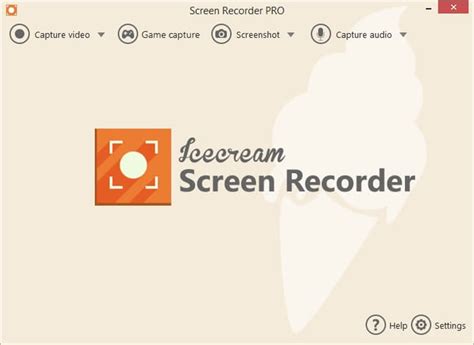
Icecream Screen Recorder Pro
Icecream Screen Recorder Pro is a powerful screen capture and recording software that enables users to easily create high-quality video tutorials, gameplay recordings, and presentations. With a user-friendly interface and a range of advanced features, this tool makes it easy for anyone to share their screen content effectively.
Key Features:
- High-Quality Recordings: Capture your screen in high definition, ensuring that every detail is captured clearly.
- Multiple Capture Modes: Choose between full-screen, area, or window capture modes to suit your needs.
- Audio Recording: Record system audio or use a microphone to capture voice commentary while you record your screen.
- Screenshot Tool: Take screenshots of your screen with a single click and edit them with various annotation tools.
- Customizable Settings: Adjust video quality, frame rate, and output formats to optimize your recording experience.
- Video Editing Features: Trim, cut, and annotate videos to create polished final products.
- Easy Sharing Options: Share your recordings directly to platforms like YouTube, Google Drive, or save them locally.
Whether you are a gamer wanting to share your gameplay or a professional creating instructional content, Icecream Screen Recorder Pro offers all the tools you need to produce engaging and high-quality recordings.
Leave a Reply